
Your progress is saved in this browser.
Before you start
- An unlocked phone
- A notes app with editable text
- A short practice sentence
Follow one step at a time.
Try the step, then choose Done — next step. You can go back or pause.
5 steps
Copy and paste text on your phone
Step 1 of 5: Choose a practice sentence
Open a note and type a few ordinary words. Some webpages, images and app screens do not allow text selection. Starting in editable text makes it easier to recognise the selection handles and avoid an accidental message.
✓ Step complete.
Step 2 of 5: Select the text
iPhone editable text: double-tap a word. Android: touch and hold a word in a supported text field. Drag the selection handles to include the words you want. Check only your intended text is highlighted.
✓ Step complete.
Step 3 of 5: Choose Copy
Tap Copy in the selection menu. If it is hidden, look for the menu’s arrow or more-options control. Avoid Cut unless you want to remove the selected words. Copying does not visibly move the original text.
✓ Step complete.
Step 4 of 5: Choose the destination
Tap a blank part of the note or another editable field where you want the copy. Move the cursor if necessary. Check you are not placing it in a message that could be sent to someone by mistake.
✓ Step complete.
Step 5 of 5: Paste and check
Touch and hold at the insertion point and choose Paste when offered. Read the result before saving or sending. A later copy may replace the temporary clipboard contents, and some apps or sensitive fields limit copying.
✓ Step complete.
Next marks this step done.
You’ve finished this guide.
You can practise again anytime.
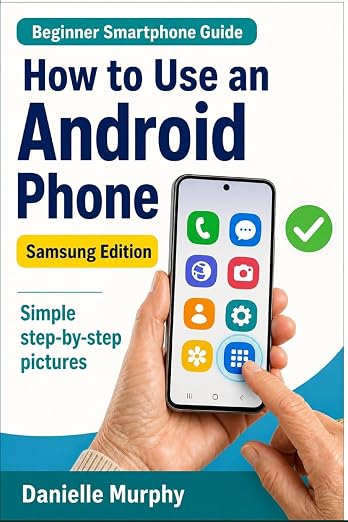
Prefer these instructions on paper?
100 lessons in 10 sections, with large screenshots and highlighted controls.
See book and sample pagesPractice task
Copy three words from a practice note and paste them on a new line.
Marking steps done saves progress; it does not check your device.
Questions
Why do I not see Paste?
The field may not be editable or the clipboard may be empty. Try copying ordinary text again and pasting into a blank note.
Official help
Menus vary by model and software version.