Your progress is saved in this browser.
Before you start
- A phone with calling service
- A trusted person willing to make a test call
- A comfortable sound level
Follow one step at a time.
Try the step, then choose Done — next step. You can go back or pause.
5 steps
Answer and finish a phone call
Step 1 of 5: Arrange a short test
Ask someone you know to ring your mobile number. Put the phone where you can reach it. A tablet without phone calling capability may need a separate calling service; this practice is for a phone’s normal call screen.
✓ Step complete.
Step 2 of 5: Read the incoming screen
Look for the caller’s name or number and the labelled answer control. Displayed numbers can be disguised, so a familiar-looking number is not proof of identity. You can let an unexpected call go unanswered.
✓ Step complete.
Step 3 of 5: Answer using the shown control
If Answer appears as a button, tap it. If there is a slider or swipe instruction, follow it in the direction shown. Locked iPhones and some Android phones use a swipe; unlocked screens may show separate answer and decline buttons.
✓ Step complete.
Step 4 of 5: Adjust the conversation sound
Hold the phone comfortably and use the side volume buttons during the call. Speaker routes sound into the room; tap it only when wanted and consider who can hear. A mute control stops your microphone, not the other person’s voice.
✓ Step complete.
Step 5 of 5: Finish the call
Tap the red end-call control when you are done. Wait until the call screen closes or returns to call details. Do not assume that locking the screen always ends the conversation; check the call has actually finished.
✓ Step complete.
Next marks this step done.
You’ve finished this guide.
You can practise again anytime.
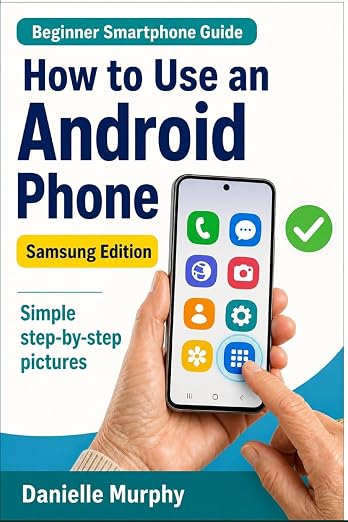
Prefer these instructions on paper?
100 lessons in 10 sections, with large screenshots and highlighted controls.
See book and sample pagesPractice task
Answer a trusted test call, adjust the voice volume and end the call on screen.
Marking steps done saves progress; it does not check your device.
Questions
Can I ignore a call?
Yes. You can decline it or let it ring. Voicemail availability and charges depend on your service provider.
Official help
Menus vary by model and software version.