Phone & tablet basics
Feel at home with your phone
Choose a phone, iPad, or Android tablet, then learn its basic controls.
Is this for me?
If tapping, swiping, or phone buttons still feel unfamiliar.
Have these ready
- A charged phone or tablet
- Your usual unlock method
What you’ll learn
Open an app, adjust the screen, and use your device’s basic controls.
Choose a route.
Choose your device or task.
Samsung Galaxy first steps
Samsung Galaxy first steps
Five free lessons for an already configured Samsung Galaxy phone.
Phone first stepsPhone first steps
For an iPhone or Android phone: controls, text, calls, and an alarm.
iPad first stepsiPad first steps
Use an iPad’s Home screen, readable text, and a practice note.
Android tablet first stepsAndroid tablet first steps
Use the Home screen, make it comfortable, and open an app.
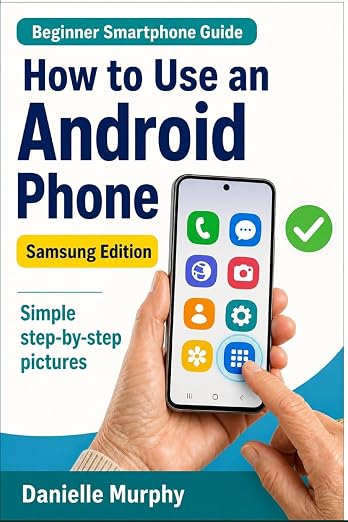
The Samsung paperback
100 pictured Samsung lessons
10 sections cover setup, calls, photos, maps, safety and accessibility.
Explore the Samsung bookPause anytime.
Progress stays on this device. Each guide has a printable copy.