Your progress is saved in this browser.
Before you start
- Charged phone and headphones
- The headphones’ pairing instructions
- Time to test a short audio sample
Follow one step at a time.
Try the step, then choose Done — next step. You can go back or pause.
5 steps
Connect Bluetooth headphones and check a failed connection
Step 1 of 5: Prepare the headphones
Turn them on and activate pairing mode using their documented button or case action. Look for the stated light or prompt. Disconnect them from another nearby device if that connection prevents pairing with your phone.
✓ Step complete.
Step 2 of 5: Open phone Bluetooth settings
iPhone: Settings, Bluetooth. Android: Settings, Connected devices/Bluetooth, or touch and hold the Bluetooth quick control. Turn Bluetooth on and choose Pair new device where required. Keep the devices close together.
✓ Step complete.
Step 3 of 5: Select the correct name
Compare the listed accessory name with the headphones’ manual or label. Tap it and follow the confirmation prompt. If a PIN is requested, use the accessory’s documentation rather than guessing repeatedly.
✓ Step complete.
Step 4 of 5: Check connected status and sound
Look for Connected, then play a quiet sample. If sound remains on the phone, choose the headphones as the audio output. Raise volume gradually. Calls and media may have separate connection options on some phones.
✓ Step complete.
Step 5 of 5: Retry a failed connection
Confirm charge and pairing mode, then restart the headphones and toggle phone Bluetooth off and on. If previously paired, try reconnecting its saved entry. Forget and re-pair only when you know how to put that accessory back into pairing mode.
✓ Step complete.
Next marks this step done.
You’ve finished this guide.
You can practise again anytime.
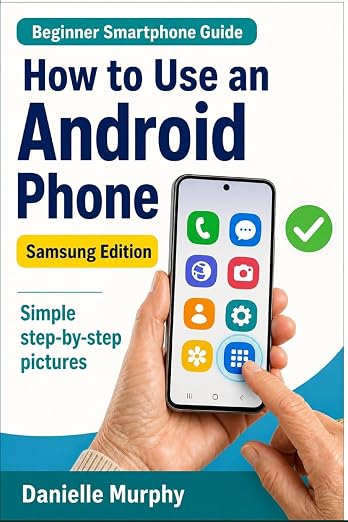
Prefer these instructions on paper?
100 lessons in 10 sections, with large screenshots and highlighted controls.
See book and sample pagesPractice task
Pair or reconnect your headphones and confirm a short sample plays through them.
Marking steps done saves progress; it does not check your device.
Questions
Must I pair them every time?
Usually not. Once paired, compatible devices can reconnect when nearby and enabled, although another active device can affect which one gets the connection.
Official help
Menus vary by model and software version.