Your progress is saved in this browser.
Before you start
- Internet access, preferably home Wi-Fi
- A reasonable battery level
- Access to your app store
- Enough free storage
Follow one step at a time.
Try the step, then choose Done — next step. You can go back or pause.
5 steps
Update your phone’s apps
Step 1 of 5: Open the store update area
Android: open Google Play, tap your profile picture and choose Manage apps & device. iPhone: open App Store, tap your account picture and look for App Updates or available updates. The layout varies by version.
✓ Step complete.
Step 2 of 5: Read what is available
Find the app you want to update. If its release notes are available, read them for major changes. Update describes an existing app; Install or Get may be for an app not currently on your device.
✓ Step complete.
Step 3 of 5: Start the update
Tap Update beside the app, or Update all if you are ready for every listed update. Leave the connection available and allow the store to finish. A work-managed phone may require permission from its administrator.
✓ Step complete.
Step 4 of 5: Open the app afterwards
Launch the updated app and try a familiar action. If controls have moved, check the app’s own help. An update should not require you to send your password to a person; sign in only within the genuine app if requested.
✓ Step complete.
Step 5 of 5: Choose automatic updates if useful
Find automatic app updates in the store or device settings. On iPhone, App Store settings are inside Settings. On Android, check Google Play’s Settings. Consider Wi-Fi-only updates if your mobile data allowance is limited.
✓ Step complete.
Next marks this step done.
You’ve finished this guide.
You can practise again anytime.
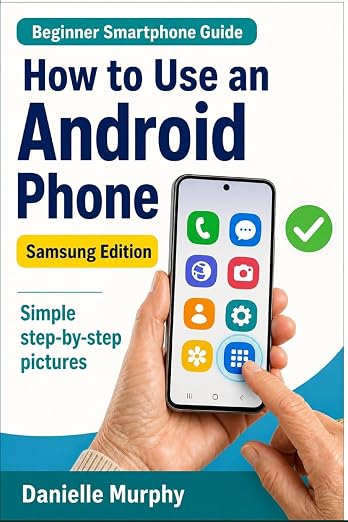
Prefer these instructions on paper?
100 lessons in 10 sections, with large screenshots and highlighted controls.
See book and sample pagesPractice task
Check whether one familiar app has an update and open it after updating.
Marking steps done saves progress; it does not check your device.
Questions
Why is no update offered for my app?
You may already have it, or an update may not support your device yet. Check compatibility and the publisher’s support page.
Official help
Menus vary by model and software version.