Your progress is saved in this browser.
Before you start
- Internet access
- Your app-store account
- Enough device storage
- The name of the service you intend to install
Follow one step at a time.
Try the step, then choose Done — next step. You can go back or pause.
5 steps
Install an app from your phone’s app store
Step 1 of 5: Open the correct store
iPhone: open App Store. Android: open Google Play on devices that include it. Some Android devices use another manufacturer’s store. Avoid installing files from unexpected texts, pop-ups or adverts promising a special version.
✓ Step complete.
Step 2 of 5: Search and check the publisher
Type the exact service name. Open its listing and compare the publisher with the service’s official website. Similar names and icons can belong to different apps. Check device compatibility and the permissions or privacy information shown.
✓ Step complete.
Step 3 of 5: Read the price information
Look for Get, Install or a price. Also check for in-app purchases and subscriptions. A free download can still contain paid features. Do not approve a trial until you understand when it renews and how to cancel it.
✓ Step complete.
Step 4 of 5: Install and approve deliberately
Tap the download control only after checking the listing. Your phone may ask for your own device or account authentication. Wait for installation to finish; do not give a helper your password or a one-time sign-in code.
✓ Step complete.
Step 5 of 5: Open and review access
Open the installed app. Read any permission request before agreeing. A camera app may need the camera; a simple puzzle may not need contacts. Choose limited access or decline when appropriate, then check whether the feature still works.
✓ Step complete.
Next marks this step done.
You’ve finished this guide.
You can practise again anytime.
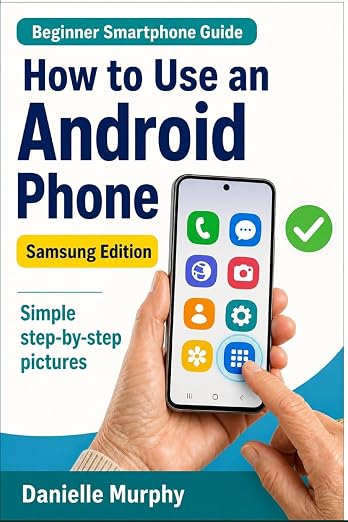
Prefer these instructions on paper?
100 lessons in 10 sections, with large screenshots and highlighted controls.
See book and sample pagesPractice task
Find an app listing and identify its publisher and cost without installing it.
Marking steps done saves progress; it does not check your device.
Questions
Can I undo the installation?
You can usually uninstall the app. Check for saved data first, and cancel subscriptions separately through the store or service that bills you.
Official help
Menus vary by model and software version.