
Your progress is saved in this browser.
Before you start
- A compatible charging cable and power adapter
- A dry phone and undamaged charging equipment
Follow one step at a time.
Try the step, then choose Done — next step. You can go back or pause.
5 steps
Charge your phone and check that it is charging
Step 1 of 5: Inspect the equipment
Check the cable and adapter for fraying, loose parts or visible damage. Check the phone and charging socket are dry. Do not push objects into the port or force a connector that does not fit.
✓ Step complete.
Step 2 of 5: Connect the charger
Plug the adapter into a suitable wall socket, then connect the cable to the phone. USB-C and older iPhone connectors differ. Wireless charging is an alternative only if your phone and charging pad support it.
✓ Step complete.
Step 3 of 5: Look for confirmation
Wake the screen and look for a charging symbol or message by the battery indicator. Give a very low battery a little time before expecting the phone to start. If there is no indication, check the plug and socket.
✓ Step complete.
Step 4 of 5: Keep the phone comfortable
Leave it on a firm surface with ventilation, away from direct heat. A little warmth can occur, but stop using damaged equipment. If the phone is unusually hot, swollen or shows a moisture warning, follow the maker’s safety advice.
✓ Step complete.
Step 5 of 5: Check the level later
Read the battery level before unplugging. Some phones pause or limit charging to protect battery health; the screen may explain this. There is no need to deliberately empty the battery before every charge.
✓ Step complete.
Next marks this step done.
You’ve finished this guide.
You can practise again anytime.
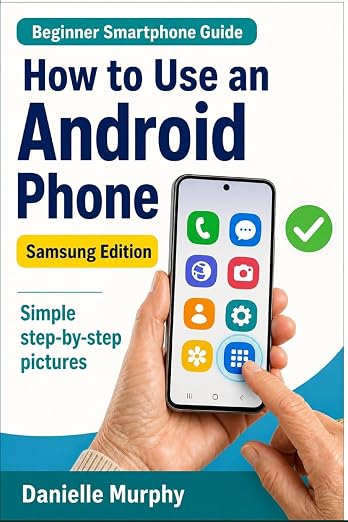
Prefer these instructions on paper?
100 lessons in 10 sections, with large screenshots and highlighted controls.
See book and sample pagesPractice task
Connect the charger and identify the charging symbol before leaving the phone.
Marking steps done saves progress; it does not check your device.
Questions
Why is charging slower from my computer?
A computer port or different adapter may supply less power. Use a compatible wall charger and cable recommended for the phone.
Official help
Menus vary by model and software version.